

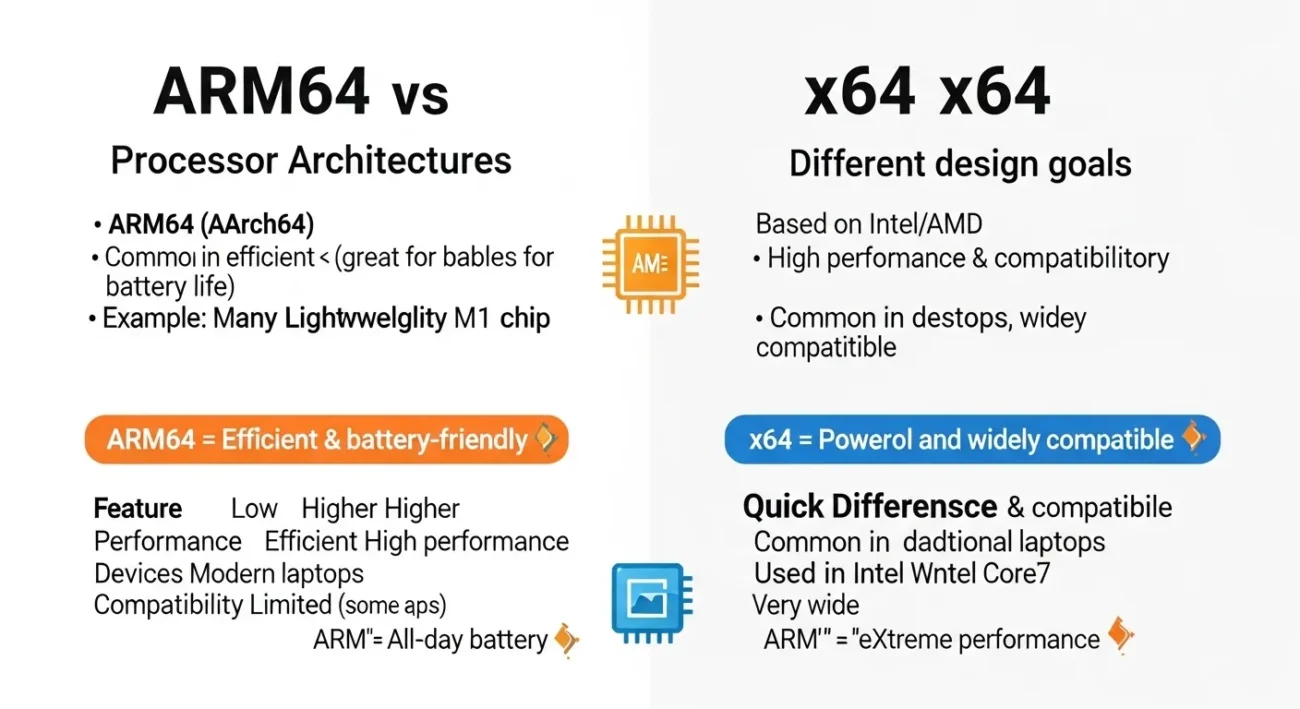
If you are wondering about “ARM64 or x64,” the quick answer is that ARM64 is power-efficient and used in mobile devices, while x64 is more powerful and common in desktops and laptops.
I often see people confused when downloading software or choosing a device because both options appear in system requirements.
When I first faced this, I realized the confusion comes from architecture differences, not just performance. ARM64 focuses on efficiency and battery life, while x64 focuses on high performance and compatibility.
In this guide, I will explain their origin, key differences, common mistakes, and how to choose the right one.
ARM64 or x64 : Quick Answer
The main difference between ARM64 and x64 is efficiency vs performance.
- ARM64: energy efficient, used in mobile and newer laptops
- x64: high performance, used in PCs and servers
Examples
- Many smartphones use ARM64 processors.
- Most Windows PCs use x64 processors.
Simple idea:
- ARM64 = longer battery, less power usage
- x64 = stronger performance, wider compatibility
The Origin of ARM64 and x64
Origin of ARM64
ARM64 (also called AArch64) comes from ARM architecture, designed for low power consumption.
It became popular in smartphones and later in laptops like those powered by Apple Silicon chips.
Origin of x64
x64 (also called x86-64) was developed by AMD.
It extended the older 32-bit x86 architecture to 64-bit, allowing more memory and better performance.
Today, it is used by Intel and AMD processors in most computers.
British English vs American English Spelling
These are technical terms, so spelling does not change.
| Term | American English | British English | Meaning |
| ARM64 | ARM64 | ARM64 | Power-efficient CPU architecture |
| x64 | x64 | x64 | High-performance CPU architecture |
Which One Should You Use?
Choosing between ARM64 or x64 depends on your needs.
Choose ARM64 if:
- You want better battery life
- You use mobile or lightweight apps
- You have a device like a modern ARM laptop
Choose x64 if:
- You need high performance
- You use heavy software (gaming, editing)
- You want maximum compatibility
Common Mistakes with ARM64 or x64
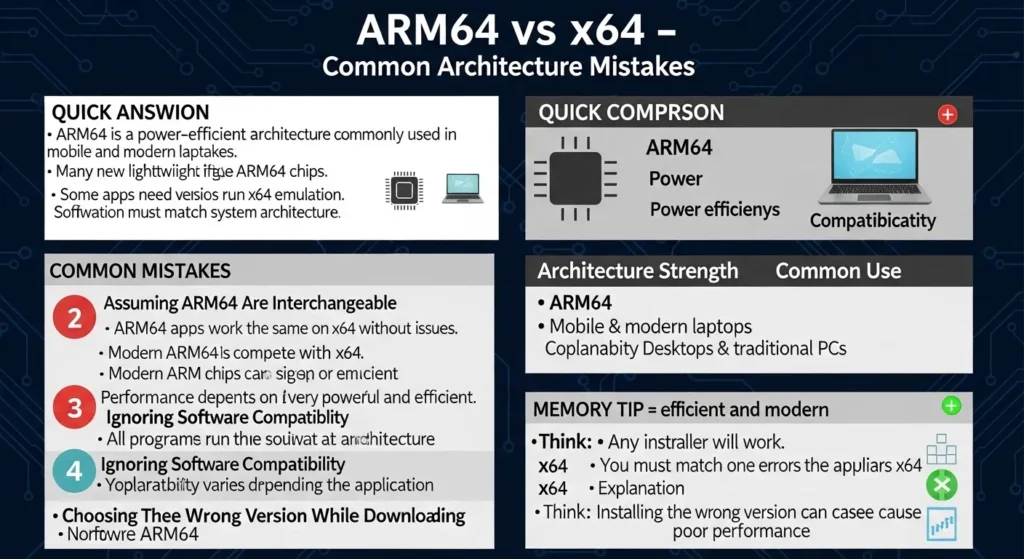
Mistake 1: Thinking they are interchangeable
❌ ARM64 apps work the same on x64 without issues.
✅ Some apps need special versions or emulation.
Mistake 2: Assuming ARM64 is always slower
❌ ARM64 cannot compete with x64.
✅ Modern ARM chips can be very powerful.
3) Mistake: Ignoring software compatibility
❌ All programs run natively on ARM64.
✅ Some software still prefers x64.
Mistake 4: Choosing wrong version while downloading
❌ Any installer will work.
✅ You must match your system architecture.
x64 or ARM64 in Everyday Examples
Installing software
- “Download the x64 version for your Windows PC.”
- “Use the ARM64 version for your ARM laptop.”
Buying a laptop
- ARM64 device → longer battery life
- x64 device → better for gaming and heavy tasks
Mobile devices
- Almost all smartphones use ARM64 processors.
ARM64 or x64 : Usage & Popularity
ARM64 usage
- Smartphones
- Tablets
- New laptops (especially energy-efficient models)
x64 usage
- Desktop PCs
- Gaming systems
- Servers
Trend
ARM64 is growing fast due to efficiency, while x64 remains dominant for performance and compatibility.
Comparison Table ARM64 vs x64
| Feature | ARM64 | x64 |
| Power usage | Low | Higher |
| Performance | Good | Very high |
| Battery life | Excellent | متوسط |
| Compatibility | Limited (improving) | Very high |
| Devices | Mobile, new laptops | PCs, servers |
FAQs
1. Which is better, ARM64 or x64?
It depends on your needs. ARM64 is efficient, while x64 is more powerful.
2. Can ARM64 run x64 programs?
Sometimes, using emulation, but not always perfectly.
3. Is ARM64 the future?
It is growing quickly, especially in mobile and laptops.
4. Which is better for gaming?
x64 is better because of stronger performance and compatibility.
5. Do all laptops use x64?
No. Some modern laptops now use ARM64 processors.
6. Which is better for battery life?
ARM64 provides much better battery efficiency.
7. Should I choose ARM64 for daily use?
Yes, if your apps support it and you value battery life.
Conclusion
When comparing ARM64 or x64, the key difference lies in how each architecture balances performance and efficiency. ARM64 is designed to use less power, which makes it ideal for smartphones, tablets, and modern lightweight laptops. It allows devices to run longer on battery while staying cool and efficient.
On the other hand, x64 is built for performance and compatibility. It is the standard architecture used in most desktops, gaming PCs, and servers. Because of its long history and wide support, almost all software is designed to run smoothly on x64 systems.
From my experience, the choice depends on your usage. If you need strong performance for tasks like gaming, video editing, or heavy software, x64 is usually the better option.If you prefer long battery life and use lighter applications, ARM64 can be a great choice.
In simple terms, ARM64 focuses on efficiency, while x64 focuses on power. Both are important, and choosing the right one depends on your needs and the type of device you use.
Discover More Articles:

I am Michael Swan, an English grammarian known for explaining confusing grammar and word comparisons in a clear way. I focused on real usage, not just rules, helping learners understand why English works the way it does. My work simplifies complex language problems for everyday users.